






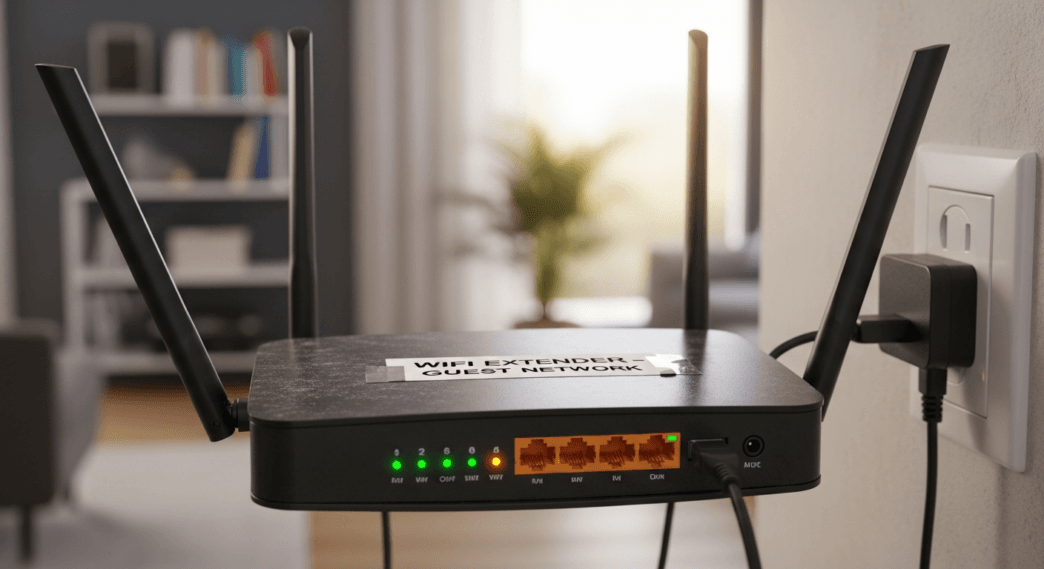
Learn how to turn an old router into a WiFi extender with this simple step-by-step guide and boost your home internet coverage for free.
Table of Contents
Before investing in WiFi repeaters to improve your router’s signal, try using the old routers you have at home to increase wireless network coverage.
Your router’s signal may not reach all parts of your home and that is very frustrating when you use different devices in various areas, such as smart TVs, consoles, and smartphones. If there are disconnections or instabilities in the network, you should check the network. 
To improve your internet speed, you need to consider several factors, such as locating your router properly and avoiding obstacles that interfere with your wireless connection.
If none of that is causing the problem, then maybe the signal range is not so wide, and surely the first thing you think of is WiF i repeaters, but this is an additional expense that you can save yourself if you learn how to use an old router as a signal booster.
Any you have stored lying around doesn’t have to keep collecting dust in a drawer; it’s just a matter of it being plugged in and configured to power the work of your current device.
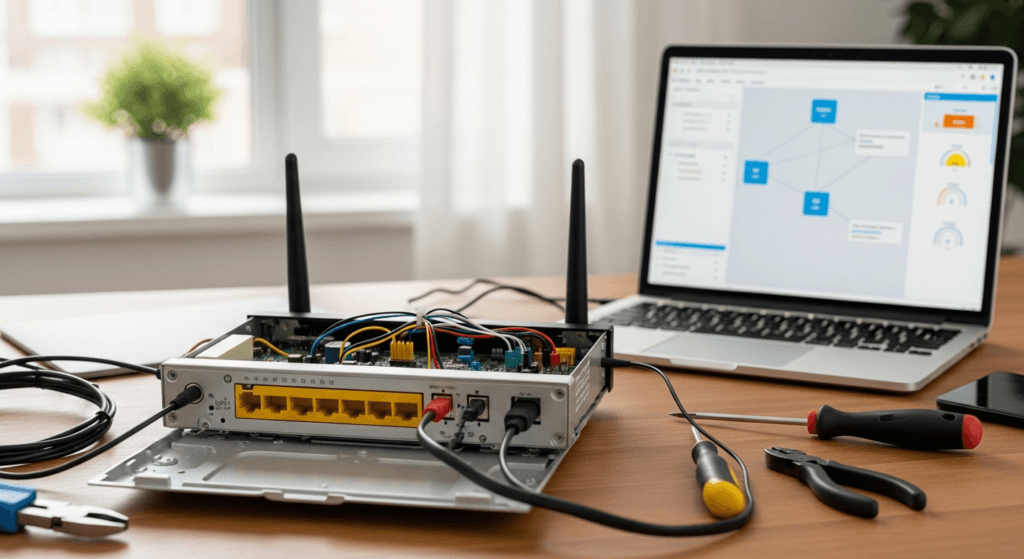
Why should you use a router as a WiFi repeater?
Won’t your computer or smartphone connect to WiFi? Even though you’re at home, the router’s signal may not be as strong or is being affected by elements due to its position, and that’s when you need WiFi repeaters.
These types of devices are “amplifiers” that connect to the main network to retransmit the signal, so they are like “mini boosters,” and if you position them in strategic places, you will achieve WiFi throughout the house, especially if it is very large or multi-story.
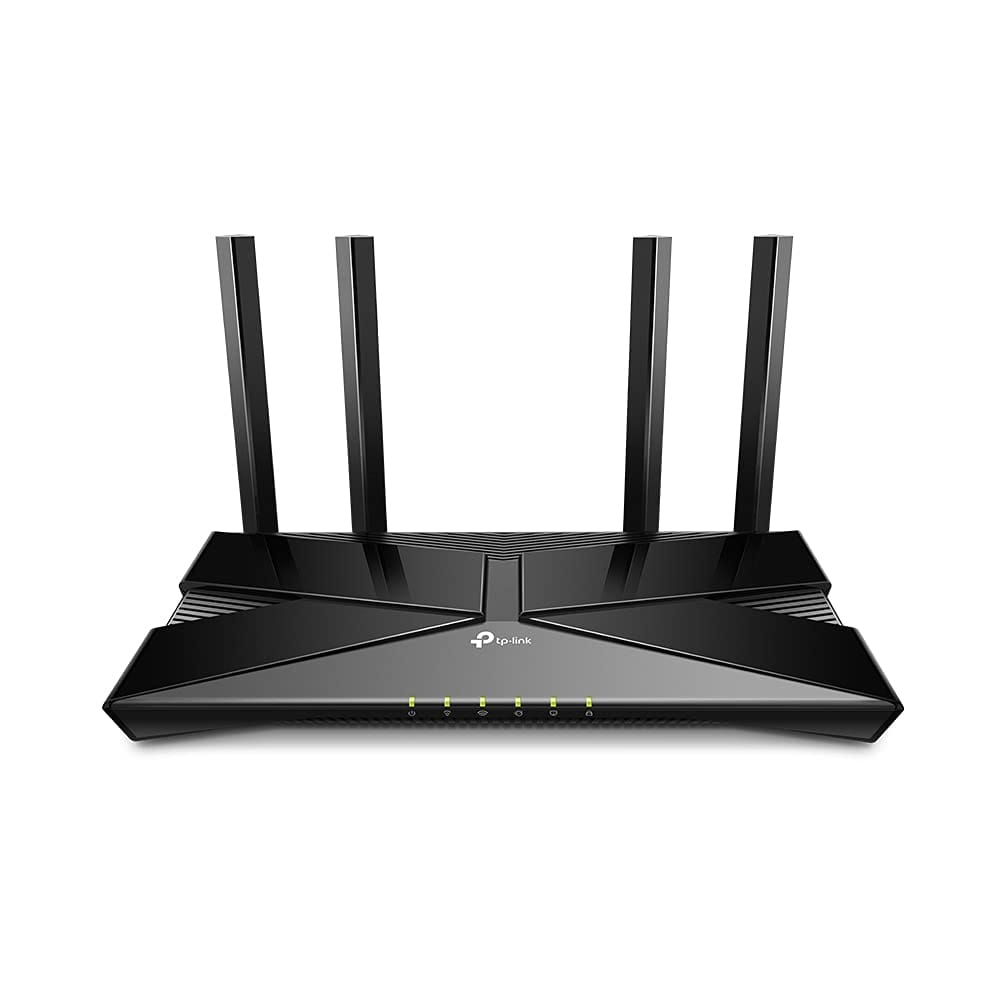
AX10,Smart WIFI, Triple-Core CPU, Gigabit, Dual-Band OFDMA, MU-MIMO, Compatible with Alexa, Wireless Router, Black
What’s the problem with this? Many times two to three repeaters are required to cover the most important areas of the home, and that means that the investment is greater, so you have to look for ways to save money.
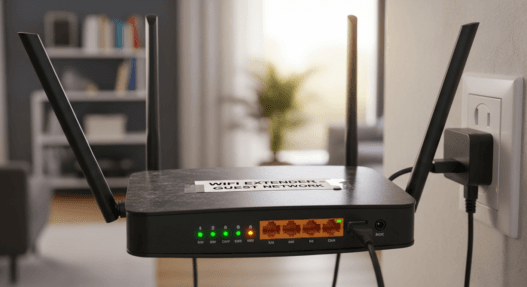
One of the ways to do this is with old routers that you no longer use. These can be converted into a similar device if you change the settings. It sounds somewhat complicated, but reusing it in this way is very simple and will help you a lot if it is urgent to increase coverage.

How to Repurpose an Old Router to Improve Your WiFi
What do you need for this process? It is very simple, as you only require an old router and an Ethernet cable, while the changes must be made from a PC.
Once you have this, you should check compatibility to see if this router can use the repeater or bridge feature, something that is seen from the model specifications and from the interface.
Now, it’s time to start with the steps to make the transformation. A reboot is required, so you have to press and hold the reset button on the device for a few seconds or use the Quick Settings on the interface.
Turn on your old router (connect it to your main router with the Ethernet cable) and connect your computer to its WiFi network to open the browser of your choice and go to the address 192.168.1.1 or 192.168.0.1. Here you need to log in with your user account to start configuring.
Look for Repeater Mode or Bridge Mode. Sometimes in administrations like TP-Link’s, there is a section in the upper right corner of the Quick Settings called Switch Mode in which you can choose the Access Point Mode.
Follow the steps by entering the data of the main network (current router) for it to connect. It will then begin a reboot process that takes a few seconds, so avoid shutting down your computer or leaving the page.
The offline page will appear, so connect to this newly created WIFI network and go back to the IP address to set it up as a separate WIFI network. That is, you will have a separate connection as if it were another WIFI, but its origin will come from the main router.
Place it at a point in the house that can be used to cover another area. The only problem with this is that you’re going to require a long Ethernet cable to be able to get it far away, but other than that, everything else is simple and inexpensive.