








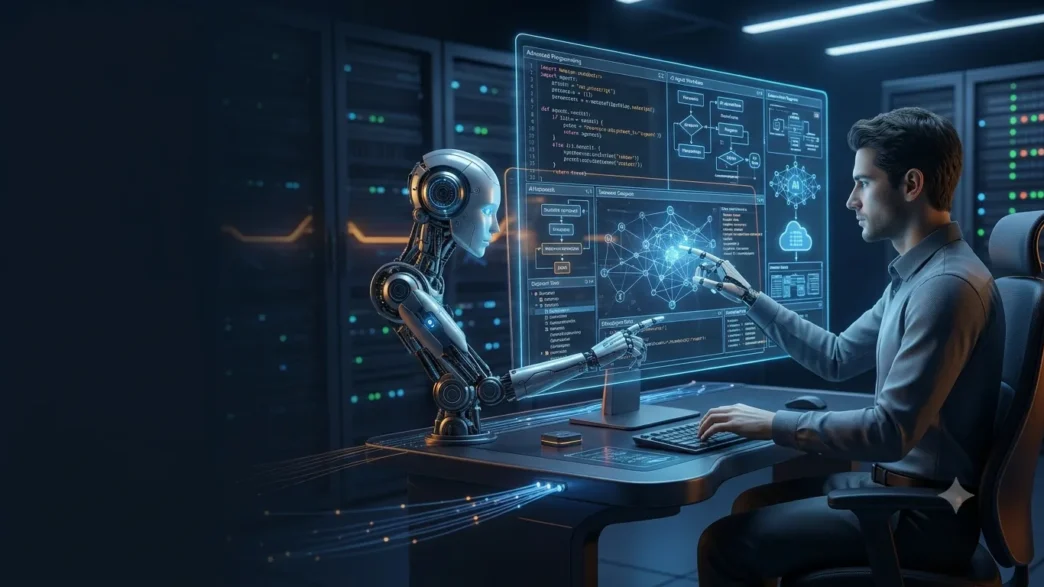
Amazon introduces Kirobots, AI agents designed to reduce repetitive programming tasks and help developers finish their work with less effort.
Table of Contents
Amazon Web Services (AMW) has launched bots, available in Kiro Crew, that are responsible for executing tasks independently to achieve a common goal.
Amazon Web Services (AWS) has announced the arrival of Kiro bots, agents powered by artificial intelligence that are dedicated to an exclusive task that, in turn, is part of a process. These bots are available on Kiro Crew, which is an open-source workspace built around the Kiro engine, which is powered by AWS itself and is designed for AI agent coordination. It is a tool that seeks to improve workflows and reduce unnecessary loads: “We want to make the minimum effort to finish our work,” said Kathy Kam, director of AI engineering with AWS agents.
The company has advanced that these are bots designed to promote a new way of structuring and managing autonomous work so that workers have the opportunity to define and customize them for a specific part of their work.
What are Kiro bots, and how do they work?
New to AWS are software bots designed to take over time-consuming and prolonged, rather than siloed, development tasks. They are, in short, a kind of virtual employees with specific functions, memory, and permissions that can be attributed to them to coordinate their work with that of other agents.
Kiro has also indicated that each bot has different access to tools, permissions, and work models so that they adjust independently, without modifying the behavior of the others.
They’re also completely malleable, so users can view, edit, or delete any information the bot remembers and adjust it directly if incorrect results are obtained or unnecessary steps are executed.
You can also modify the rules that follow, add tools when workflows change, or restrict their permissions. “Because you can adjust each bot separately, you don’t have to impose a single rule for each type of work,” the authors said in this document.
It should be noted that users can view the work coordinated by bots with dashboards, where they can also indicate how they want to review their activity or access their reports.
That way, if four bots are used, the first bot would be responsible for reading the problems it has to solve and pointing out possible duplicates. The next would be responsible for monitoring the state of the compilation and separating bugs that may require human supervision.
The third would review code to compare each new user request with decisions they have made previously so that the review never starts from scratch but has a previous context.
Finally, a verification bot prepares the launch and confirms the changes that the user has wanted to add to the work of the previous bots. Also, ask for their approval before anything is published.
How to get Kiro bots up and running
To start using these bots, you need to open the bots’ workspace in the sidebar of the Kiro Crew service. Next, you need to add a bot and choose the default agent or a custom one as the base.
At that point, a custom agent provides the message, model, tools, and skills so that you can start from a configuration that was already in use without modifying existing chats.
Kiro has also recommended starting with a responsibility that allows users to reconnect context and information between sessions. “Choose one specific enough to review in a single session and useful enough to repeat,” he added.
Q1. What are Amazon Kiro bots?
A1. Amazon Kiro bots are AI-powered autonomous agents available through Kiro Crew. Each bot handles a specific development task and works with other bots toward a common goal.
Q2. How do Amazon Kiro bots work?
A2. Each bot has its own responsibilities, memory, tools, permissions, and work models. Multiple bots can coordinate tasks such as identifying duplicate issues, monitoring bugs, reviewing code, and verifying changes.
Q3. What is Kiro Crew?
A3. Kiro Crew is an open-source workspace built around the Kiro engine. It is designed to coordinate AI agents and help developers organize and manage autonomous workflows.