




What Is the USB Port on Backpack and How Does It Work?
Wondering what the USB port on your backpack does? Learn how it works, what you need to use it, and whether your backpack actually charges your phone.
Table of Contents
The USB port on a backpack looks ready to charge your phone, but it needs something else to work. A detail inside explains how to really get the most out of it.
It is becoming easier and easier to find backpacks with a USB port installed on one of the sides, and at first glance it seems logical to think that it is enough to connect the mobile phone to start charging it.
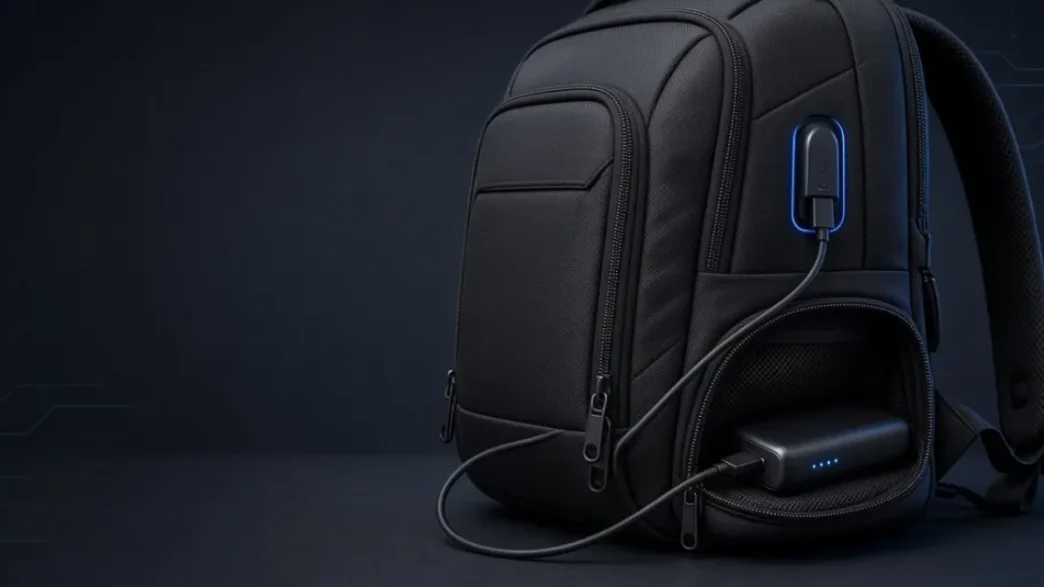
That connector, however, is not a battery, nor does it produce energy by itself, but it is part of a system designed to bring out the connection of a battery stored inside.
The idea is that you can carry a powerbank or external battery inside the backpack and connect the mobile from the outside without having to open it every time.
This allows you to keep the battery protected inside while using the phone, although having a USB port does not mean that the backpack also includes the powerbank.
To know if a backpack is ready to use it, you have to locate the connection inside and check what accessories are actually included in the product, because the operation depends on several parts working together.
USB Port on Backpack: What Is It Used For?
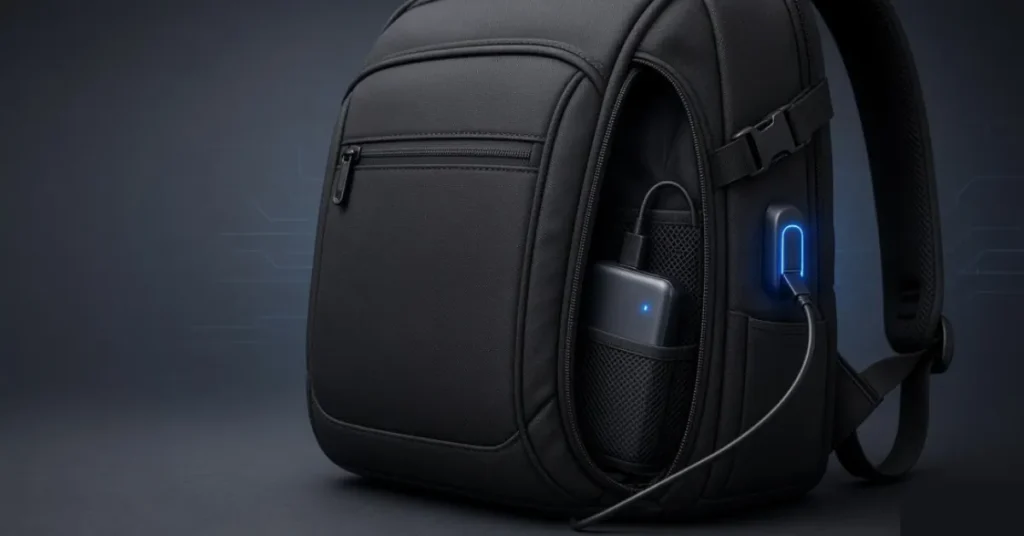
The energy journey begins in the powerbank, an external battery that is previously charged and will be responsible for providing electricity to the phone.
From there, the power passes through the cable installed inside the backpack until it reaches the external USB port. It should be noted that this interior cable should not be confused with the one you normally use to charge your phone.
One is part of the backpack and connects the battery to the external USB port; the other joins that port with your device, whether it’s a smartphone, tablet, or even a mouse.
The operation can be summarized as follows: external battery > inner cable > external port > mobile phone > cable. This way you can keep the power bank stored while the phone is out and continue to use it normally while charging.
The speed will depend on the battery, connection type, and cable, so a USB or USB-C port alone does not guarantee fast charging. The characteristics of each power bank also influence the energy that the device finally receives.

- Deep Storage Backpack for School,Travel and Work — Open the main space, you can store your daily essentials, such as l…
- Creative USB Design with Detachable Cable&Inside Power Bank Pocket — With built in USB charger outside and built in ch…
- Great Travel Backpack with Luggage Strap&Hidden Anti Theft Pocket — A Luggage belt design on the back of the book bag …

- AFTER SALES SERVICE : We solemnly promise that within one year of receiving this product, if any quality defects occur d…
- EXTRA LARGE AND LONG-LASTING USE MATERIAL:Size of extra large backpack: 19.5x15x11 (inches), Capacity: 50L, the separate…
- LARGE CAPACITY AND ORGANIZED: men travel backpack owns 20 independent pockets for storing large items and organizing sma…
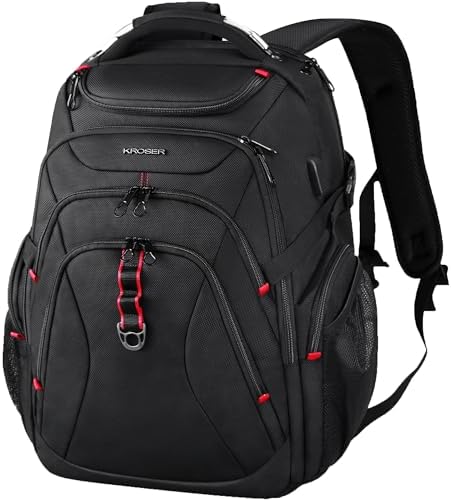
- DURABLE MATERIAL: This stylish laptop backpack is made of high-quality water-repellent ballistic fabric; Dimensions: 18….
- MULTI-FUNCTIONAL COMPARTMENT: Our large travel backpack with separated compartments and pockets which can provide roomy …
- USB PORT DESIGN: Built-in USB PORT is convenient to charge your cell phone by the connected power bank in a safe way(POW…

- 【Extra Large Capacity & Multi Compartments】The extra large backpack designs with 3 main compartments with many functiona…
- 【High Quality Material for Long Lasting】: ProEtrade travel backpack is made of anti scratch fabrics which is sturdy for …
- 【TSA Friendly & Keep Safe】Our backpack can be freely unfolded 90-180 degrees, making it TSA approved and perfect for air…
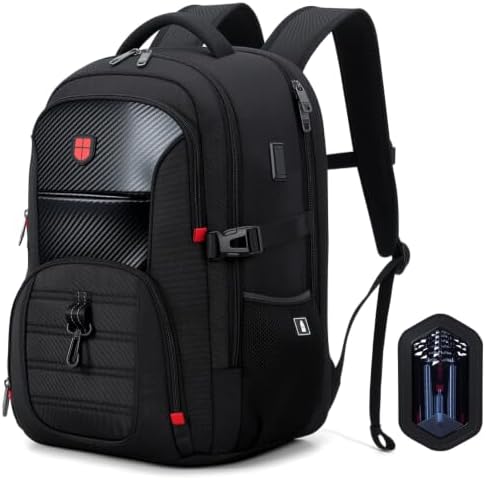
- 【Multiple Pockets & Smart Storage】The Lekespring large multi-compartment laptop backpack for men and women features upgr…
- 【Spring-Cushion Back Support】Built-in spring elements and high-density rebound foam in the back panel work together to a…
- 【TSA-Friendly Design】Lay-flat construction allows 90-180° opening at security checkpoints, so you can keep your laptop i…

- Swissdigital Design backpack products are designed for the new “commuter urban traveler”. Material: Polyester,Polyester …
- ORGANIZED Men’s travel backpack. Includes 15 Independent pockets for large storage & organization for small items. Main …
- INTEGRATED USB CHARGING PORT: Equipped with a USB port offeringquick access to charge your phone and other electronic de…

- EXPANDABLE MAIN COMPARTMENT: The backpack is equipped with a hidden zipper that can expand the main compartment’s volume…
- INTEGRATED USB CHARGING PORT: Equipped with a USB charging port, offering quick access to charge your electronic devices…
- RFID DATA PROTECTION: Travel with peace of mind. With an integrated RFID protection compartment, helps to protect your s…
How to properly use the USB in the backpack
To use this system, you need a power bank, your mobile phone, and a cable compatible with the device. Then you have to locate the USB cable that the backpack incorporates inside, usually near the pocket intended to store the battery, although the location may vary depending on the design.
That inner cable connects to the outlet of the external battery, which is inside the backpack. From there, the power reaches the external USB port, where you can connect the usual cable of the mobile without having to take out the battery every time you want to charge it.
So there is no need to disassemble the port, open seams, or modify any cables. It is also not advisable to assume that all models work exactly the same, because they can change the type of connection, the interior layout, or even the power bank activation system.
An external battery suitable for the mobile completes a system that the backpack simply makes more comfortable to use.
The external USB is not a substitute for the power bank: it allows you to use it from the outside while the battery remains stored inside, and understanding that difference avoids buying and waiting for a function that perhaps the manufacturer never promised to include.
Follow Me: LinkedIn · Facebook · X · Instagram · Reddit · Threads · Pinterest