




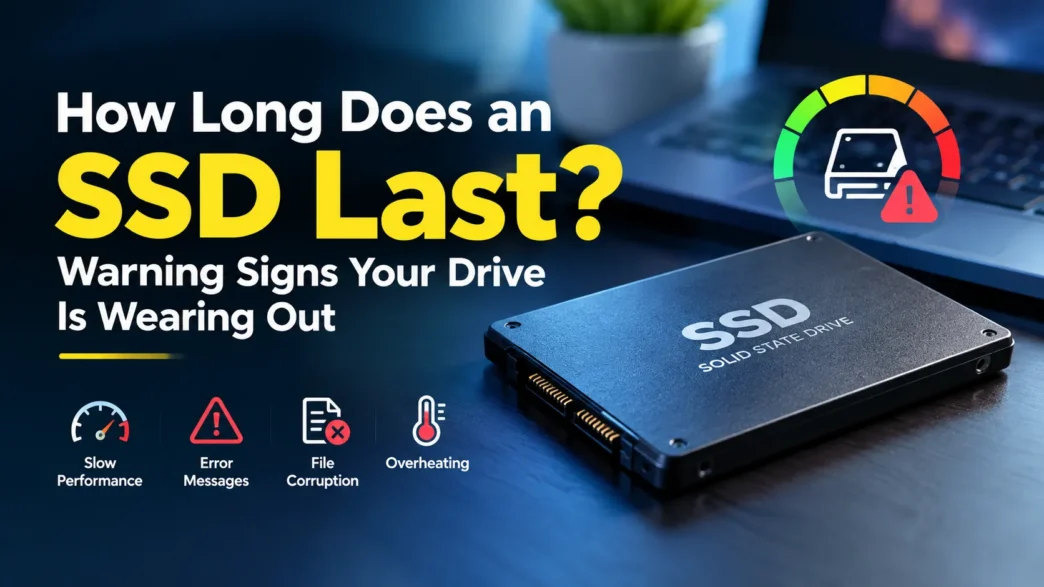
How long does an SSD last? Understand SSD lifespan, write endurance, and warning signs of wear to help protect your data before drive failure occurs.
Table of Contents
Learn what happens to an SSD when its lifespan runs out, how to detect failures early, and the best S.M.A.R.T. tools to protect your data if something bad happens.
While SSDs are typically more shock-resistant than traditional hard drives, they also have a limited lifespan. Currently, it’s the best option in terms of speed and efficiency, but just the degradation process makes many think so.
The first symptoms may go unnoticed for weeks or even months, but you soon realize that the operating system takes longer to boot, programs freeze, or there are functions that don’t run properly.
Catching these signs early can make the difference between taking a backup with peace of mind or facing a complicated and costly recovery if the component becomes damaged.
Don’t know if your SSD is failing? So it’s time for you to learn about it to avoid unpleasant situations in the future, and that’s why in this article you are going to get to know it.
What Happens When SSD Lifespan Nears the End?
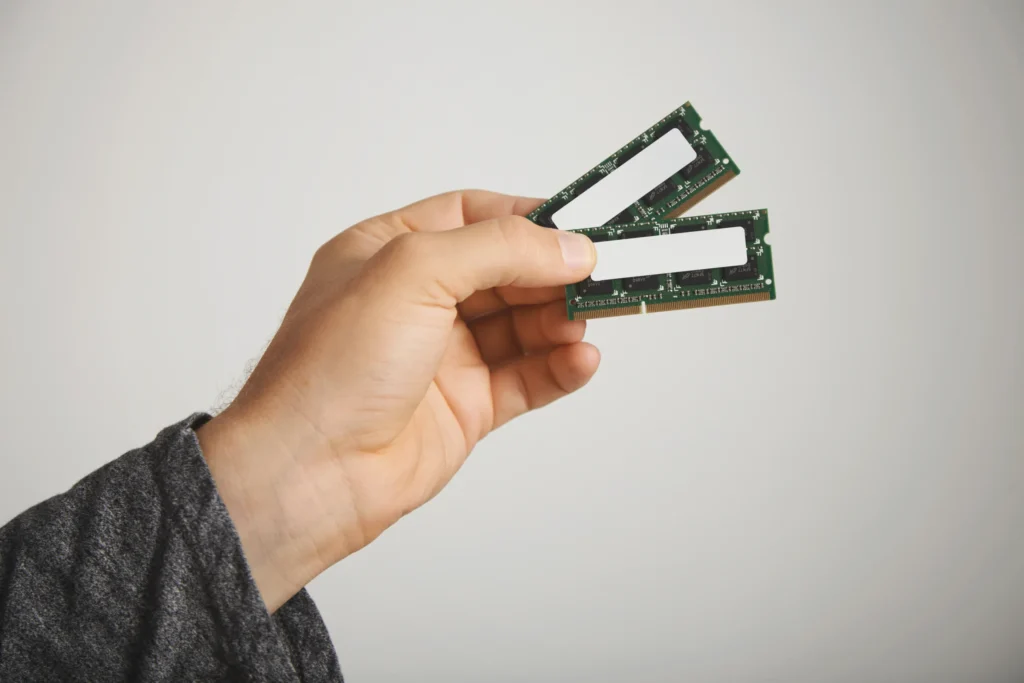
Unlike a mechanical hard drive or HDD, which stores information on spinning platters and usually manifests its problems through strange noises or obvious mechanical failures, an SSD uses NAND Flash memory.
These memories are made up of millions of cells capable of storing electrical charges. The problem is that each of those cells withstands a limited number of write-erase cycles before it begins to deteriorate.
Over time, the oxide layer responsible for insulating electrons inside cells physically degrades. When wear and tear reaches certain levels, the SSD’s controller, which acts as the brain of the drive, takes steps to protect the stored information.
One of the most well-known is the lock in read-only mode. In that scenario, you can still access your files and copy them to another device, but you can no longer save new data or install updates.
There may also be a progressive reduction in available capacity. This happens because the controller replaces the damaged blocks using a hidden internal reservation known as over-provisioning. When this reserve begins to be depleted, the margin of safety decreases considerably.
Not everything depends on the wear and tear of NAND memories. In some cases, the controller may fail due to external causes such as voltage spikes, excessive temperatures, or manufacturing defects.
When this happens, the drive can be completely inaccessible at any moment. For that reason, while modern SSDs are designed to minimize the risk of sudden data loss, no storage drive should be considered immune to failure.
The Warning Signs of a Dead SSD and How to Check Its Status
One of the most common symptoms of an aging SSD is the general slowdown of the system. Although these drives are known for delivering much faster speeds than an HDD, degraded memory forces the controller to perform constant error correction tasks.
The result is that opening files, launching applications, or copying data can take significantly longer than normal. You may also see read and write errors, files that are not saved correctly, or system messages indicating that certain operations could not be completed.
Another worrying sign is the appearance of bad sectors or damaged blocks. When this happens, some documents may become inaccessible or take too long to open.
Added to this are unexpected crashes, random restarts, frequent freezes, and even the well-known Windows blue screens.
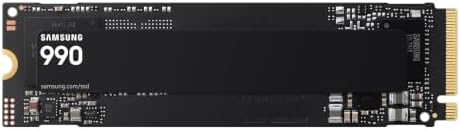




In some cases, the operating system itself changes the drive to read-only mode as a protective measure to prevent further damage to the stored data.
The best way to stay ahead of these issues is to regularly monitor the S.M.A.R.T. attributes of the SSD. Free tools like CrystalDiskInfo on Windows make it easy to see the unit’s health percentage.
On Linux and macOS, one of the most popular options is Smartmontools. In addition, manufacturers such as Samsung, Crucial, or SanDisk offer their own applications, including Samsung Magician, Crucial Storage Executive, and SanDisk Dashboard, which display detailed information about the status of the device and allow you to install firmware updates.
If any of these values start to approach critical levels, it is best to perform an immediate backup and plan to replace the drive before it fails completely.
Frequently Asked Questions
How long does an SSD last?
It depends on the drive’s endurance rating (TBW), how much you write, and operating temperature. Most consumer SSDs last for years under normal use, and many outlive the computer they’re in. Still, treat lifespan as an estimate, not a guarantee.
Can I recover data from a dead SSD?
If the drive is in read-only mode, yes: you can usually copy everything off it. If the controller has failed completely, recovery is difficult and often expensive, and sometimes impossible.
Does a failing SSD make noise like a hard drive?
No. SSDs have no moving parts, so they fail silently. That’s why S.M.A.R.T. monitoring matters.