





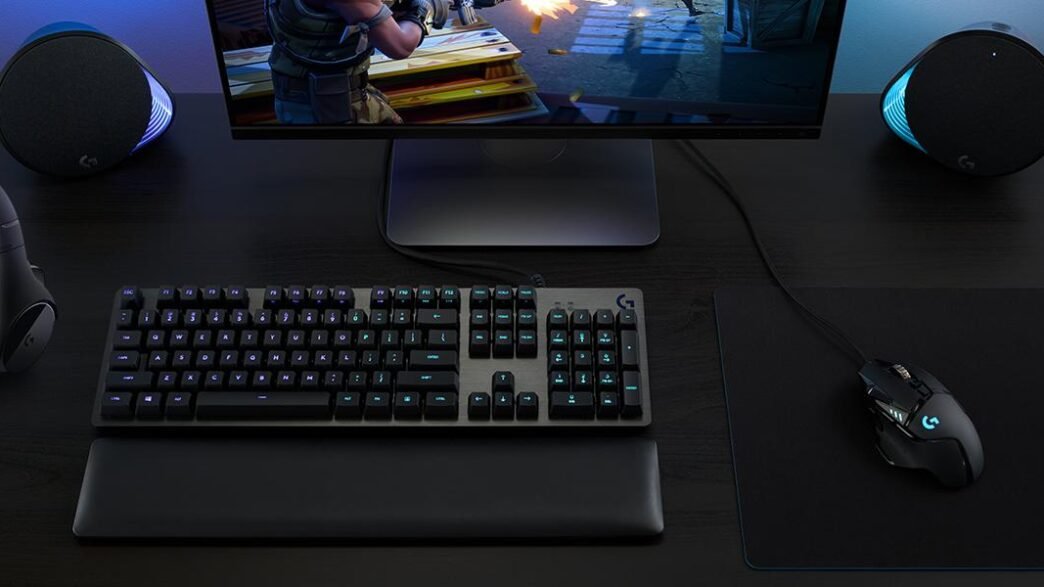
A gaming mouse that adjusts its sensor up to 25,600 dpi, distributes up to 11 programmable buttons, and lets you decide its exact weight button by button.
The Logitech G502 Hero has long been the name repeated by those who take games seriously, and it’s no coincidence. There are no shortcuts here: every screw, every button, and every gram of weight is all about decisions designed to make the mouse fit your game and not the other way around.
The heart of the mouse is the state-of-the-art HERO sensor, capable of recording movements with an accuracy of up to 25,600 dpi. It’s not just a big number in the box: tracking works without anti-aliasing, acceleration, or added filters, so what you move with your hand translates exactly to the screen, without weird interpretations of the software.
The Logitech G502 Hero is available at amazon for $37, a price that puts this mouse well below what models with a high-end sensor and so much customization capacity usually cost. Finding that combination of features and price is not common in the gaming segment.
The 11 programmable buttons are the other great asset. They can be configured independently to assign combos, macros, or shortcuts depending on the game you have open, and the scroll wheel has two spin modes: one with stops to move precisely from menu to menu and another with super-fast and free scrolling that is useful, for example, when navigating long documents or endless lists.

- HERO Gaming Sensor: Next generation HERO mouse sensor delivers precision tracking up to 25600 DPI with zero smoothing, f…
- 11 programmable buttons and dual mode hyper-fast scroll wheel: The Logitech wired gaming mouse gives you fully customiza…
- Adjustable weights: Match your playing style. Arrange up to five 3.6 g weights for a personalized weight and balance con…
Another detail that makes the difference compared to more generic mice is the adjustable weight system. It includes up to five 3.6-gram weights that are placed in the lower compartment, so you can distribute the balance of the mouse according to whether you prefer something lighter and more agile or with more inertia and stability in wide movements.
LIGHTSYNC technology adds fully customizable RGB lighting, with zones that can be configured separately from Logitech software. In addition, in compatible titles the light reacts to what happens, changing color according to the health of the character or the events of the game, a colorful detail more than decisive, but that adds up.
The left and right clicks incorporate a metal spring tension system that prevents the button from bouncing and withstands a high rate of presses without losing precision or reliability over the months. It’s a technical detail that is especially noticeable in competitive games, where every click counts.
The right-handed design with lateral thumb support helps sustain long sessions without hand stiffness, and the braided cable makes it easy to move without getting caught on the table. They are small improvements separately, but they add convenience in daily use whether you play for several hours at a time or use it for work.
The Logitech G502 Hero is a solid option for those looking to make the leap to a serious gaming mouse without complicating themselves with configurations that they are not going to use. The customization is there for anyone who wants to exploit it, but it works just as well right out of the box, ready to play right out of the box.
1. What makes the Logitech G502’s sensor “surgical” in its precision?
The Logitech G502 features the HERO 25K sensor a high-performance gaming sensor capable of sub-micron tracking. It operates across a wide DPI range (100 to 25,600) with zero smoothing, filtering, or acceleration, offering competition-level precision and responsiveness that many gamers and esports professionals trust
2. Which buttons on the G502 can I customize?
You can program 11 of the buttons on the G502. These include the left and right click, the DPI up/down buttons, the scroll wheel left/right clicks, the middle click, the DPI shift (sniper) button, and the forward/back buttons. The scroll wheel’s mode toggle button and the power switch are not programmable.
3. How do I assign specific commands or macros to these 11 buttons?
This software allows you to assign your favorite commands, macros, or complex key combinations to each button, letting you put essential actions right at your fingertips