




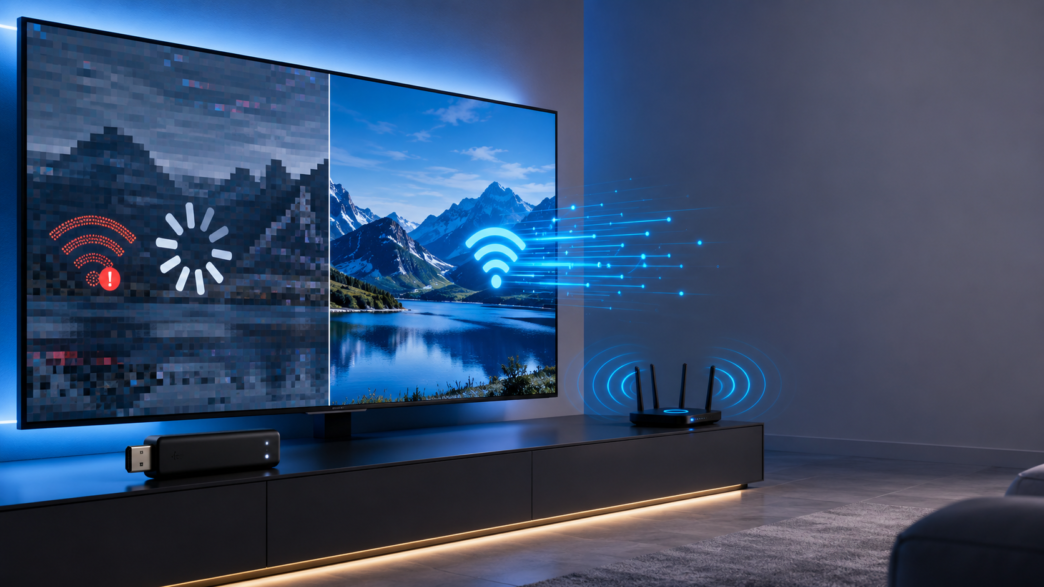
Learn why your Smart TV Stick buffers constantly and explore quick fixes to improve streaming speed, eliminate lag, and enjoy uninterrupted viewing.
Table of Contents
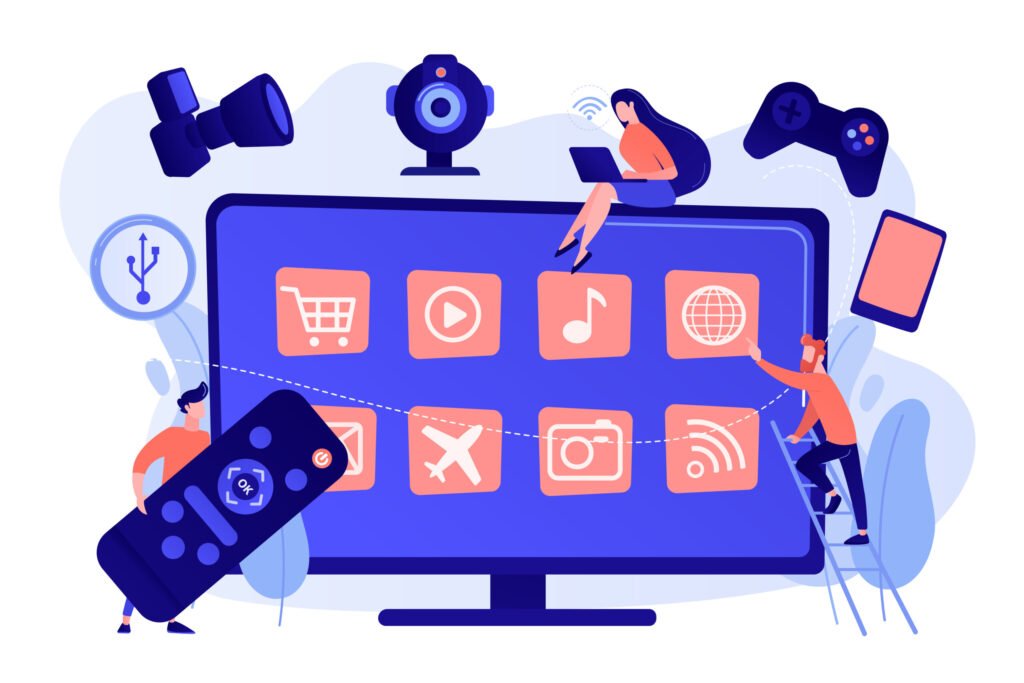
Smart TV sticks have emerged as an integral gadget for the excited to convert old TV’s into streaming-enabled gadgets. Smart TV sticks allow users to connect to streaming video websites, live television channels, music applications, and gaming content. And other digital media platforms without buying a brand-new smart television. The growing popularity of various streaming platforms and the increased need for cost-effective entertainment solutions helped drive growth in the market for smart TV sticks.
However, despite their convenience, Smart TV sticks can suffer from several performance issues such as buffering, lag, slow application loading time, response delays, low video resolution, etc. This is caused primarily by poor internet connectivity, insufficient memory, old software, network congestion, etc. It is possible to optimize the performance of smart TV sticks using some straightforward methods. Users can increase their streaming speeds as well as enhance the streaming experience through optimizing network performance, keeping the device in good condition, application optimization, and basic troubleshooting measures.
Understanding Why Smart TV Sticks Experience Buffering
Before optimising performance, it’s helpful to understand why it is happening. Buffering refers to when a streaming device can’t receive video data at the desired speed required to make content play continually. Here are some common causes of buffering:
Slow or Uneven Internet Connection
Internet speed is one of the most common things that can affect streaming quality. Video streaming needs a steady and constant connection with the bandwidth. While an internet connection can be very fast when browsing the web for simple tasks. It can still encounter issues with video streaming if the speed keeps changing, there is a high level of latency, the wireless signal is poor, network interference affects the connection, or other devices share the same connection as well.
Limited Device Capability
Smart TV sticks are prepared with processing, memory, and storage components like any other computer, and their capability depends on these components. Older smart TV sticks or less expensive ones could be slower in handling streaming apps because of limited processing capability, insufficient memory, or lack of storage space. This could lead to slow application launches, slower navigation through menus, application crashes, and poor streaming performance.
Application and Software Problems
Streaming apps receive frequent updates to improve performance and compatibility. But outdated applications, stored files, and software problems may delay the proper functioning of the device.
1. Get Your Internet Connection Right
An internet connection is an essential requirement for good streaming performance. Better networking quality will greatly help decrease buffer problems.
Proper Placement of the Router
The distance between the router and the smart TV stick from each other, along with barriers like walls and furniture, can impact the wireless connection. For obtaining a better network connection, the router must be kept closer to the TV set, not positioned behind walls or any big furniture, kept away from any electronic equipment that might interfere with the wireless connections, and in an open location.
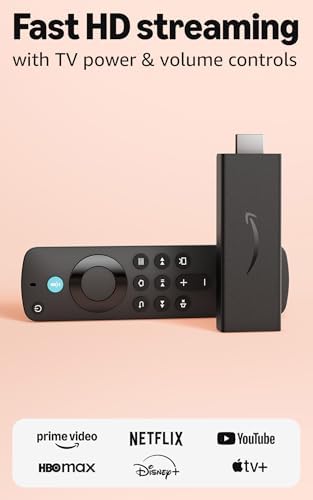
- Stream in Full HD – Enjoy fast, affordable streaming that’s made for HD TVs, and control it all with the Alexa Voice Rem…
- Great for first-time streaming – Streaming has never been easier with access to hundreds of thousands of free movies and…
- Press and ask Alexa – Use your voice to easily search and launch shows across multiple apps.
Choose the Proper Wi-Fi Frequency Band
The modern routers come with multiple frequency bands and customers can select the right one that suits their streaming requirements. The 2.4 GHz frequency band offers coverage up to greater distances and operates at high speed at a farther distance, but it is slower. While the 5 GHz frequency band is faster and less disposed to interference, it performs well at shorter ranges. To achieve better streaming results, users should connect their smart TV stick to the 5 GHz frequency band if the device is close to the router. While the 2.4 GHz frequency band would be more convenient to use in case there are problems.
Reduction in Network Circulation
When many devices are using the same network, the bandwidth available for streaming can be affected. Especially if many high bandwidth consuming applications are being used at the same time. Applications like online games, heavy downloads, video calls, and video streaming will use up a lot of bandwidth, thus limiting the bandwidth that is left for the smart TV box.
2. Test and Increase Internet Speed
Various resolutions of streaming have different internet speeds that are required to stream them successfully. For example, standard-definition (SD) streaming requires less internet speed than Full HD streaming, which needs a stable and faster internet connection. On the other pointer, 4K streaming requires high-speed and a stable internet connection. People can test their internet speed using online tools and compare the speed with their favorite streaming service providers. However, there is more to streaming quality apart from internet speed, since network reliability is also dynamic for successful streaming.
3. Cleaning the Cache and Increasing Storage Space
Smart TV sticks preserve their temporary files, which are called cache data. They allow applications to be loaded faster and provide better performance in the short term. The excessive presence of cached files can lead to an increase in consumed storage space. This leads to a reduction in the efficiency of the device. Managing the storage and cleaning up the cache of applications, deleting unused applications and files, and getting rid of unused profiles can lead to better performance of the device. Efficient storage management allows the users to have faster loading of applications and better device performance.
4. Frequent Restarting of Smart TV Stick
Similarly, to computers and cell phones, smart TV sticks should be frequently restarted in order to retain performing well. Operating continuously for extended periods of time, a device is expected to experience some system problems related to the temporary memory, background running programs, and small software bugs. Frequent restarting of the smart TV stick allows rejecting temporary system errors, restoring the internet connection, speeding up applications, and solving software-related problems. Users can either use the device’s settings menu or simply cut off the power supply.
5. Stream Quality Settings Configuration
The higher the video quality is, the more computing resources and bandwidth are needed; therefore, high-quality videos will suffer from interruptions when the Internet connection does not provide enough capacity for transferring this amount of data. Changing stream quality settings allows to keep the video playing smoothly either by lowering its resolution from 4K to Full HD, using the automatic quality adaptation option or just lowering video resolution during network congestion periods.
6. Proper Aeration of the Device and Preventing Overheating
The smart TV sticks experience overheating during the process of working, and high temperature levels. It influences the processing speed of the device, leading to slowdown or unresponsiveness. The issue of proper ventilation is necessary for the stable operation of the device while streaming for a long time. Users have to avoid the blocking the holes related to ventilation, keep the distance from any heating elements, and to provide good ventilation in the area where the television is placed.
7. Control the Background Running Apps
Some apps continue working even when not using them, thereby wasting processing power and memory space, which might have been utilized to improve the performance of streaming. By controlling the background processes, the device works efficiently. It will be possible for users to boost performance through closing down apps that are not in use, deleting unwanted apps, turning off the features which are not necessary, and restricting the background processes.
Mistakes Leading to Poor Smart TV Stick Functionality
Several mistakes that lead to decreased functionality are the ones related to daily activities. These should be avoided to have optimal use.
- Installing Too Many Programs- A large number of programs occupy memory and other computer resources. It is best not to install unnecessary programs to enable optimal performance of the device.
- Not Updating Software- An outdated software program has compatibility issues with new streaming media platforms and lowers the performance of the device.
- Utilizing Slow Internet Connections- A quick device does not solve the issue of an unreliable internet connection that will affect the efficiency of streaming media.
- Delaying the Airflow of the Device- The efficiency of the device will be hindered by high temperatures caused by inadequate air circulation.
- Using Multiple Bandwidth Programs- Using multiple applications at once may lower the quality of the stream and create buffering problems.
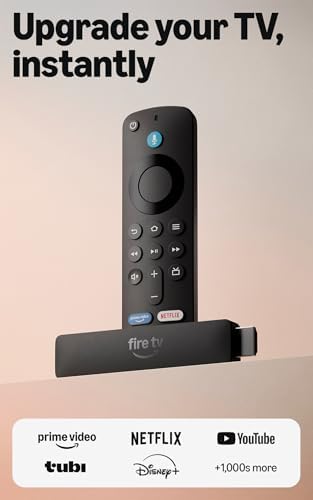
- Upgrade your TV, instantly – Fire TV Stick HD is our fastest HD streaming stick ever, with a streamlined navigation that…
- The newest Fire TV experience (2026) – Our biggest update to Fire TV has a new, modern design that gets you to your ente…
- All your apps in one place – Prime Video, Netflix, YouTube, Disney+, Apple TV, HBO Max, Hulu, Peacock, Paramount+, and t…
Smart TV Stick Developments: Future Developments for Speedier and More Efficient Streaming
There are some emerging trends in the development of the smart TV stick market since the consumer interest in getting an enjoyable and comfortable streaming experience is only increasing. Industry observations and research insights suggest that such factors as device performance, its ability to be connected easily, and user-friendliness become crucial elements of modern devices. As per the perspectives mentioned by Pristine Market Insights, innovations in streaming technology will likely impact further development in the area of quicker connectivity, better processing, optimized operating systems, improved memory and video processing.
In addition to that, manufacturers pay close attention to the reliability of devices, energy savings, and compatibility with new streaming formats. Although such problems as poor streaming experience produced by buffering and low performance can affect the viewing experience of a user. There is no need to replace the device if some simple actions are performed to solve the issue. These actions may include such steps as better internet connection, more storage space, a software update, better quality of the streaming, and normal functioning of the device.
Q1. What are the main causes of buffering on a Smart TV stick?
A1. Buffering is mainly caused by a slow or unstable internet connection, limited device hardware, outdated software or apps, network congestion, and insufficient storage space.
Q2. How can I improve the internet connection for better Smart TV stick performance?
A2. Place the router closer to the TV, minimize obstacles and interference, use the 5 GHz Wi-Fi band when possible, and reduce the number of devices using the network simultaneously.
Q3. Why should I clear the cache and free up storage on my Smart TV stick?
A3. Clearing cached files and removing unused apps or files frees up storage, improves app loading speed, and enhances the overall performance of the device.
This article was contributed by Ishita Mehta from Pristine Market Insights Pvt. Ltd.
Be a part of over Success!
- Stay ahead of the curve with the latest tech trends, gadgets, and innovations! Newsletter
- Follow me on Medium for more insights