







New to Windows on ARM? Learn how it works, its advantages, limitations, app compatibility and why NVIDIA is supporting this technology.
Table of Contents
Computers with Nvidia RTX Spark have arrived with huge expectations, but the debate between ARM and x86 on Windows is not new. Here are its pros and cons in 2026.
In the midst of memory and RAM shortages, it sounds strange to say this, but surely the current one is one of the most exciting times for the computer market, thanks to the recent arrival of the almighty Nvidia as a manufacturer of PC processors. Their proposal is very much focused on artificial intelligence, but it has the potential to shake up the status quo from Windows to ARM once and for all, undermining decades of x86 dominance with Intel and AMD. The question is, how does that benefit you?
In recent weeks, I have analyzed the Asus ProArt P16 (2026), one of the first laptops in the world with Nvidia’s RTX Spark processors, one of the most anticipated developments in technology in recent times, after it was known that chips for supercomputers would arrive in commercial equipment.
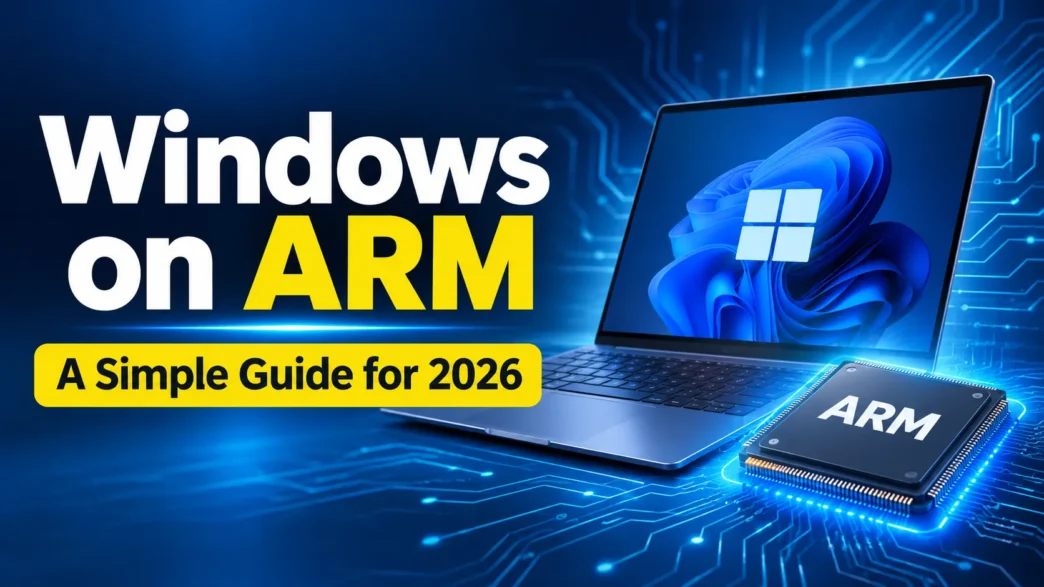
Nvidia’s new components are characterized by having ARM architecture and using a different version of Windows than most users are used to: Windows in ARM, which makes Microsoft’s operating system run on Arm64 instead of the traditional x86, as in Intel and AMD.
In all this time I have been able to confirm the benefits of Windows on ARM and also its weaknesses. Here’s what you need to know as a user in 2026.
Groundhog Day: ARM is already happening with Qualcomm and Apple
In reality, neither ARM nor Windows processors in ARM are something new in 2026, so you should first have all the necessary context about one of the most important new features of the Nvidia RTX Spark in addition to its local AI performance.
This architecture is an old acquaintance of Apple computer fans since the American company launched its own Apple Silicon processors in 2020, which are already in the sixth generation and the M6 of the MacBook Pro or iMac, but also of the professional versions such as the MacBook Pro with PROLED XDR with M5 Pro and M5 Max.
On Windows, ARM has also been a reality for more than 2 years thanks to Qualcomm and its family of Snapdragon X processors for computers. These teams bet heavily on the performance of AI and Copilot+, and we are already in the third generation to use them.

The benefits of Windows on ARM: thinner laptops with better battery
One of the great secrets of Windows on ARM is that applications run natively on the system, unlike what happens on x86, while older 24- or 32-bit programs have to be emulated. This allows for greater resource efficiency and therefore higher performance, as well as thinner and lighter computer designs.
But above all, in Windows computers on ARM, that efficiency is also noticeable in power consumption, which allows them to have batteries that last much longer. They also reduce the need for physical fans for operation, making it easier for them to be quieter.
Another improvement, which I have been able to verify especially in one of the first computers with Nvidia RTX Spark, is the use of unified memory, that is, the design that makes the CPU, the GPU graphics, and the AI accelerators (NPU) share the same block. It is precisely this internal design that becomes the virtue that allows its performance to be so good in local AI.
Things to improve about Windows on ARM: do Nvidia chips solve them?
Nvidia’s new RTX Spark based on Windows on ARM essentially shares the same problems as other computers of this type.
The main one is that its gaming performance is lower. Because its GPU is not dedicated, as is the case with computers with graphics cards such as Nvidia’s RTX 50, video games with greater graphic demands are not adapted for this design and have a less fluid operation.
To which are added compatibility problems, since video games are the category of applications in which support for ARM is less widespread (but they are not the only ones). In the case of the Asus Pro Art P16, I have also noticed ventilation problems. For all of the above, Windows on ARM is not the most recommended option for gamers at the moment, and it seems unlikely that this will change in the short term.
Q1. What is Windows on ARM?
A1. Windows on ARM is a version of Microsoft’s Windows operating system designed to run on ARM64 processors instead of traditional x86 processors from Intel and AMD.
Q2. What are the main benefits of Windows on ARM in 2026?
A2. Windows on ARM offers better power efficiency, longer battery life, thinner and lighter laptop designs, quieter operation, and improved performance for natively supported applications.
Q3. Which companies are already using ARM processors in computers?
A3. Apple uses its Apple Silicon processors in Mac computers, while Qualcomm offers Snapdragon X processors for Windows PCs. NVIDIA is also entering the Windows on ARM PC market.