






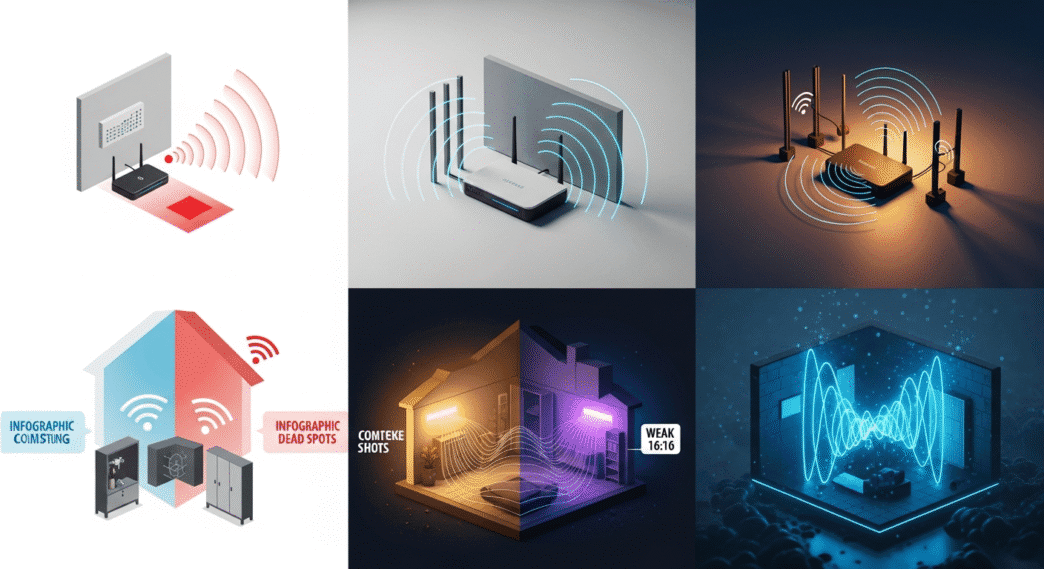
Discover why your WiFi is not reaching the whole house and learn the most common causes behind weak signal and dead zones. Fix issues fast with expert tips.
Table of Contents
If your WiFi router’s signal still doesn’t reach your entire home, the problem could be a misconfiguration. This trick helps you extend the connection on any router.
Even if your router is the latest model or has good specifications, the signal could be limited. Not reaching any area of the home? Is the Internet unstable or slow? It’s probably not the device itself, but an improper configuration. 
While it is true that there are many factors that can influence the speed of the WiFi, when the characteristics of the device do not have the necessary adjustments to best adapt to the necessary use, it is possible that these inconveniences are generated.
You don’t have to worry; most routers allow you to change internal features from a very simple interface from the IP address 192.168.0.1 or 192.168.1.1.
They may seem like strange numbers if you don’t know anything about it, but it’s actually a very easy process and doesn’t require advanced knowledge, as long as you know what to change. So, without further ado, in this guide you’re going to learn the trick that will free up your WiFi signal range.
How to set WiFi router power to boost signal
On many occasions, users tend to have problems with the signal in the devices in the house, even if they are within a relatively close range. This causes instabilities, slow loads, or sudden disconnections.
It is important to detect the problem to know if it is necessary to go into the configuration. In any case, it is always good to check that all the parameters are correct, and for this, you do not have to be an expert in these devices.
Actually, you just have to open your browser of choice and go to the address 192.168.0.1 or 192.168.1.1. If it doesn’t load, your router’s IP might be on the device’s label. In addition, you have to be connected to the network and have internet.
Once you log in, you must look for the Advanced Mode or Advanced Options section in the interface. By entering here, you should have the ability to modify the signal characteristics in a section called Wireless Network or WiFi.
For example, in the image you see, it’s the interface of a TP-Link Archer C64 router. The steps would be Advanced > Wireless Network > Wireless Setup, so you’d have to look for something similar. You would have to change the following things:
- Frequency: Your router could be using only the 2.4 GHz frequency. If it supports 5 GHz, you should enable it because it is of better quality and speed. You could have both if your team allows.
- Channel: One is used automatically, but if there are too many routers nearby, it may be saturated. Change the channel to a different one and test to verify that it is not this. It’s also important that it’s in the higher Hz.
- Transmit or Signal Strength: Make sure it’s set to High.
After making these changes, click Save and restart your router. This setting should allow the range to reach more sides of the house and have better stability.

The signal could be limited by internal problems or poor positioning
If the above doesn’t work, there may be other things influencing the signal that aren’t due to any settings. You need to check the specs first, because if it’s a very old router, it’s most likely throttling your plan or having issues.
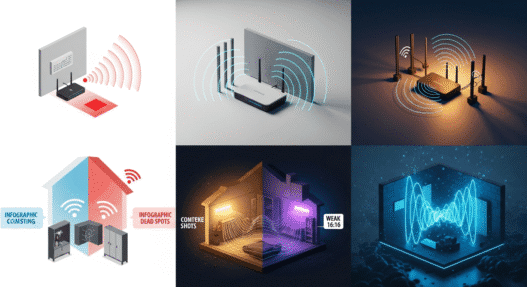
The others are important details that reduce the range, such as electronic devices that emit the same frequency, such as 2.4 GHz appliances and other smart devices. There are also thick walls and reflecting objects that cause inappropriate changes in frequency waves.
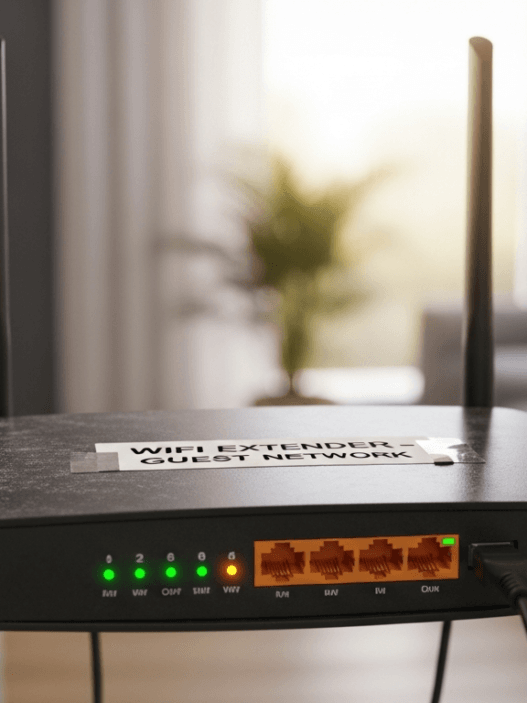
Finally, make sure that the router is in a suitable place without as many obstructions. In a central part of the house it could be fine and at a height that benefits all areas. With the above configuration and following these tips, it is sure that you will get an improvement in WIFI stability and reception.
FAQs based on your WiFi contend
-
Q1: Why is my WiFi not reaching the whole house?
A1: WiFi signal strength diminishes with distance and obstacles. Common reasons include router placement in a corner or enclosed space, interference from walls or metal objects, distance from the router exceeding your model’s range, and environmental interference from other wireless devices.
-
Q2: Why is my WiFi signal weak in some rooms?
A2: Weak signals in specific rooms typically result from physical barriers between the router and those areas.
-
Q3: What causes WiFi dead zones in a house?
A3: Dead zones occur where WiFi signals cannot effectively reach due to multiple factors combined.
Be a part of over Success!
- Share your feedback or connect with me on LinkedIn — I’d love to hear from you!
- Stay ahead of the curve with the latest tech trends, gadgets, and innovations! Newsletter.