






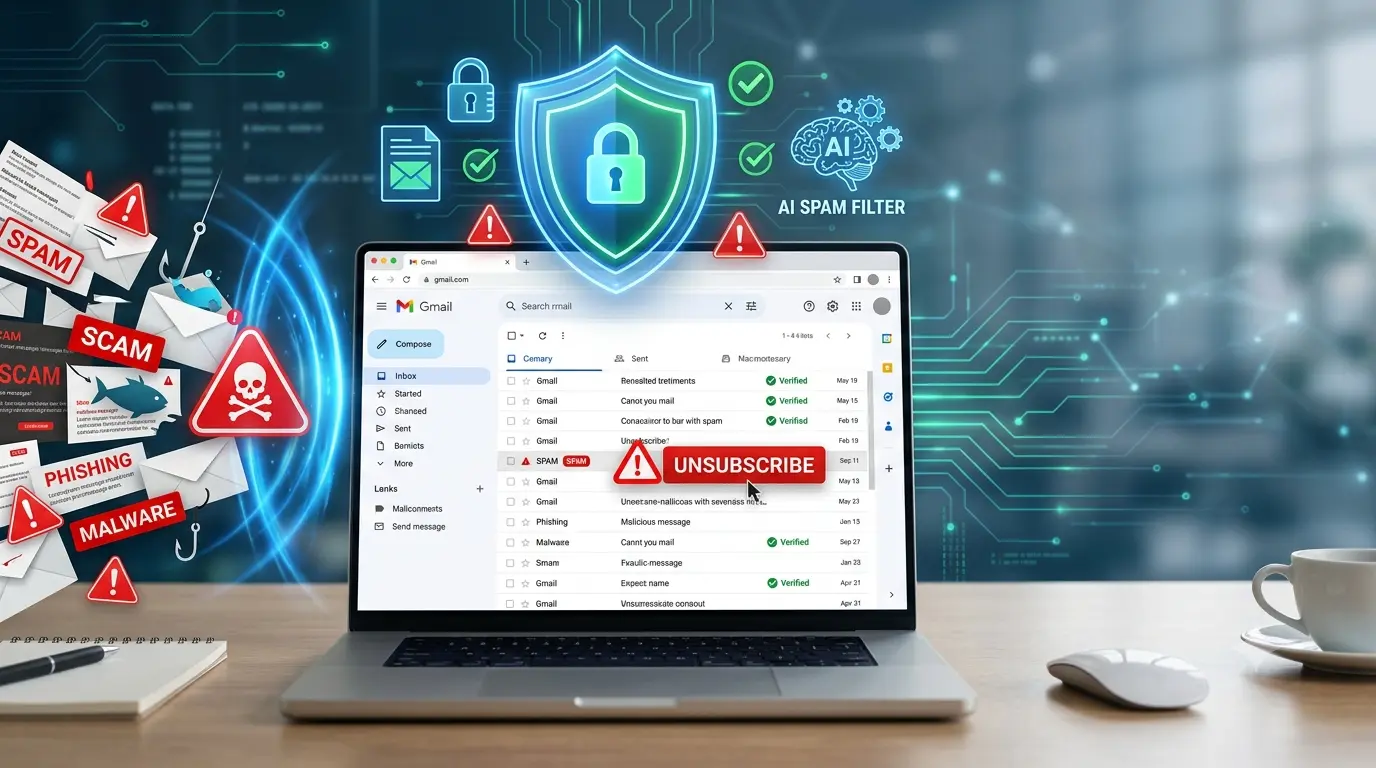
Learn practical Gmail habits and spam prevention tips that keep unwanted emails away while improving your inbox organization and online security.
Table of Contents
We’ll tell you the secret to reducing spam in Gmail without putting your account at risk and find out which tools allow you to block spam more securely and effectively.
If you’re one of those people who receive dozens of emails every day, there’s a good chance your inbox is full of promotions, newsletters, advertising, and messages that don’t add anything. In the end, only a small part corresponds to important emails.
The problem is that spam has become so common that many users automatically resort to the “Unsubscribe” button in the hope of never seeing those messages again. However, that’s not always the best decision.
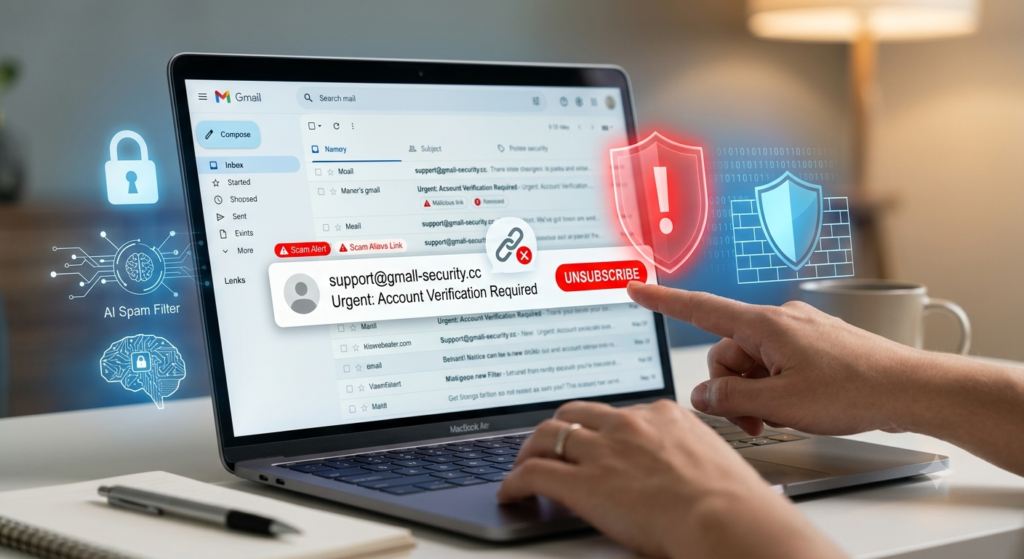
Don’t tap “Unsubscribe” on suspicious emails
When spam arrives, the most logical thing to do seems to be looking for the unsubscribe link. On many occasions it works, but only when the sender is a company with which the user voluntarily registered.
The problem appears when that message comes from an unknown sender or is part of a spam campaign. In those cases, clicking the Unsubscribe button can confirm that the email address exists, is active, and belongs to a person who opens the messages.
It means that for spammers, that information has a lot of value and can lead to even more spam or even further fraud attempts.
Therefore, the main recommendation is not to ignore this golden rule: if the message is suspicious, it is preferable not to interact with its links and much less click on the Cancel or Unsubscribe button, as it can be dangerous.
What you should do to reduce spam safely
Instead of using the link included in the email itself, Gmail incorporates several tools designed to keep your inbox clean without taking unnecessary risks.
The first option is to mark the message as spam. Gmail learns to identify similar emails and automatically improves its filters to prevent them from reappearing in your home inbox.
To do this, open the email, tap the three-dot menu, and select Report as spam or Report as spam. From that point on, Gmail will use that information to improve its spam filter.
It is also possible to block the sender. This will stop future messages sent from that address as normal to your inbox, reducing the amount of spam.
You can do this by opening one of their messages; go back to the three-dot menu and choose the Block option. Subsequent emails sent from that address will no longer appear.
Another very useful tool is automatic filters, which allow you to delete, archive, or classify certain messages before they even appear among the main emails.
In Gmail, tap the advanced search icon, enter the sender’s address, select Create filter, and decide what you want the service to do with those messages, such as delete, archive, or mark them as automatically read.
In addition, Gmail incorporates the Manage Subscriptions function, which brings together newsletters and communications from legitimate companies in a single section.
From there, it is possible to cancel those subscriptions that are no longer of interest using the security mechanisms of the platform itself, without the need to open potentially dangerous links.
The key is to know when a sender is trustworthy and when to let Gmail security tools do the work for you. This will reduce spam without confirming to potential scammers that your address is still active.
FAQs
Q1. Why should I avoid clicking the “Unsubscribe” button in suspicious emails?
A1. Clicking the “Unsubscribe” button in suspicious emails can confirm that your email address is active and monitored. This may lead to more spam or additional fraud attempts.
Q2. What is the safest way to reduce spam in Gmail?
A2. The safest approach is to use Gmail’s built-in security features, such as Report spam, Block sender, Create filters, and Manage Subscriptions, instead of interacting with suspicious email links.